Naixus disambiguation overview
Overview of the disambiguation feature
Disambiguation is a conversational mechanism allowing the chatbot to ask the user for a clarification.
Disambiguation is triggered when the scenarios identified by a user's message classification have scores falling between the "possible recognition" threshold and the "definite score" threshold, as defined in the NLP configuration page. In this situation, the user receives a message presenting a list of choices, each corresponding to the name of a detected scenario.
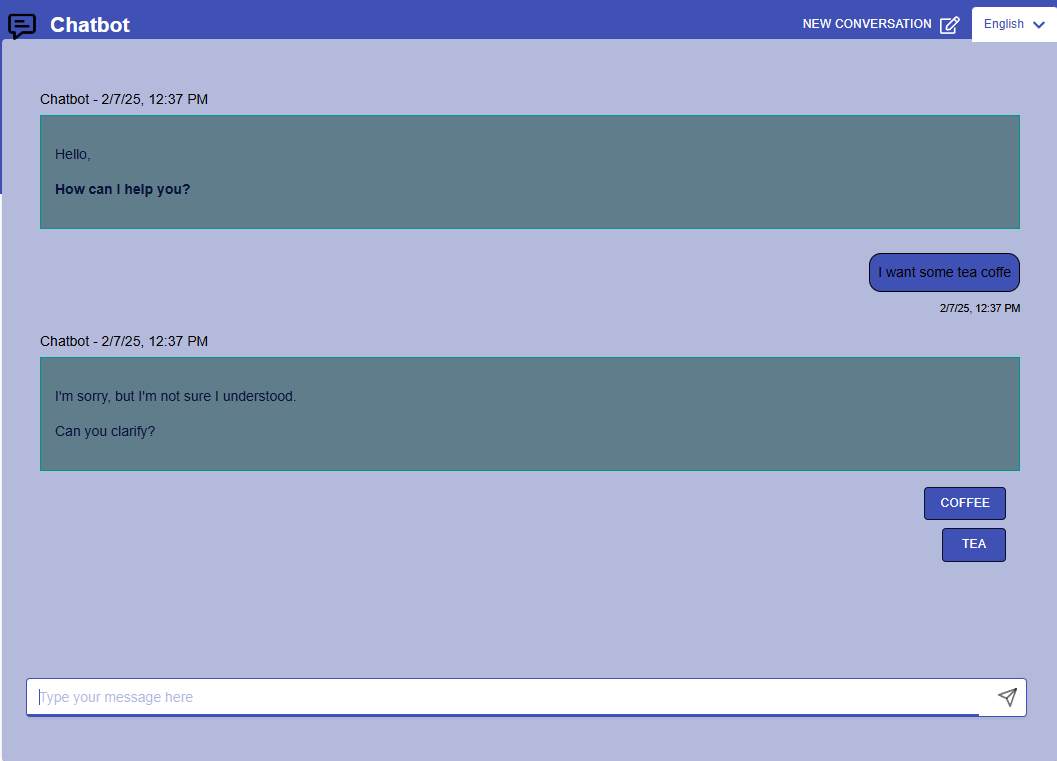
Setup a disambiguation message
Create > NLP > Configuration
Open the "Threshold Settings", and update the field labeled: "In case the Classifier is not sure about the intent".

Set the scenario names
Create > Converse > ScenariosThe name of the scenario will be displayed in case of misundertanding or in the logs. To change the scenario name:
- Go to the editor page of a scenario
- Go to the Settings tab
- Change the scenario name for every language you need to
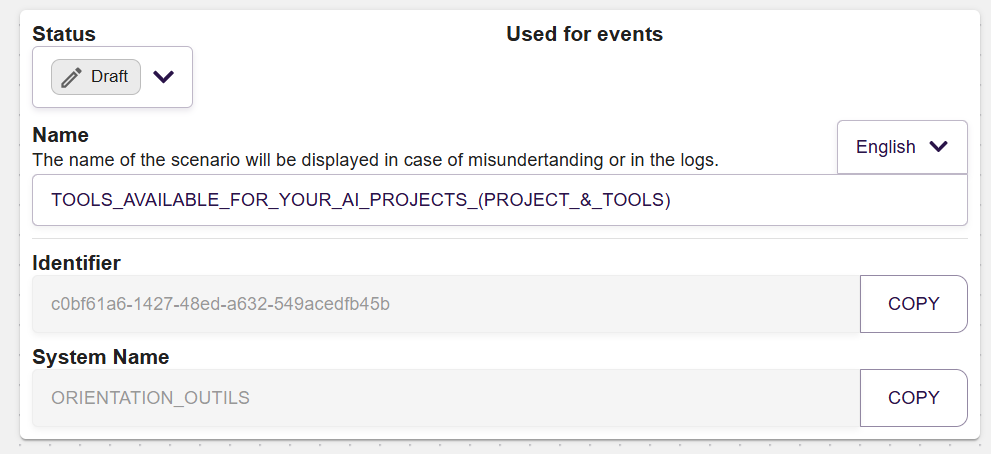
For a scenario to be suggested, it needs to have the status ready, to have training sentences, and the classifier needs to be up to date.