Deploy a Web / Mobile widget
Web/Mobile channel allows users to interact with your virtual assistant on the website of your choice. You can customize the appearance of the widget to match your website's design, and configure the behavior of the widget.
Configuration
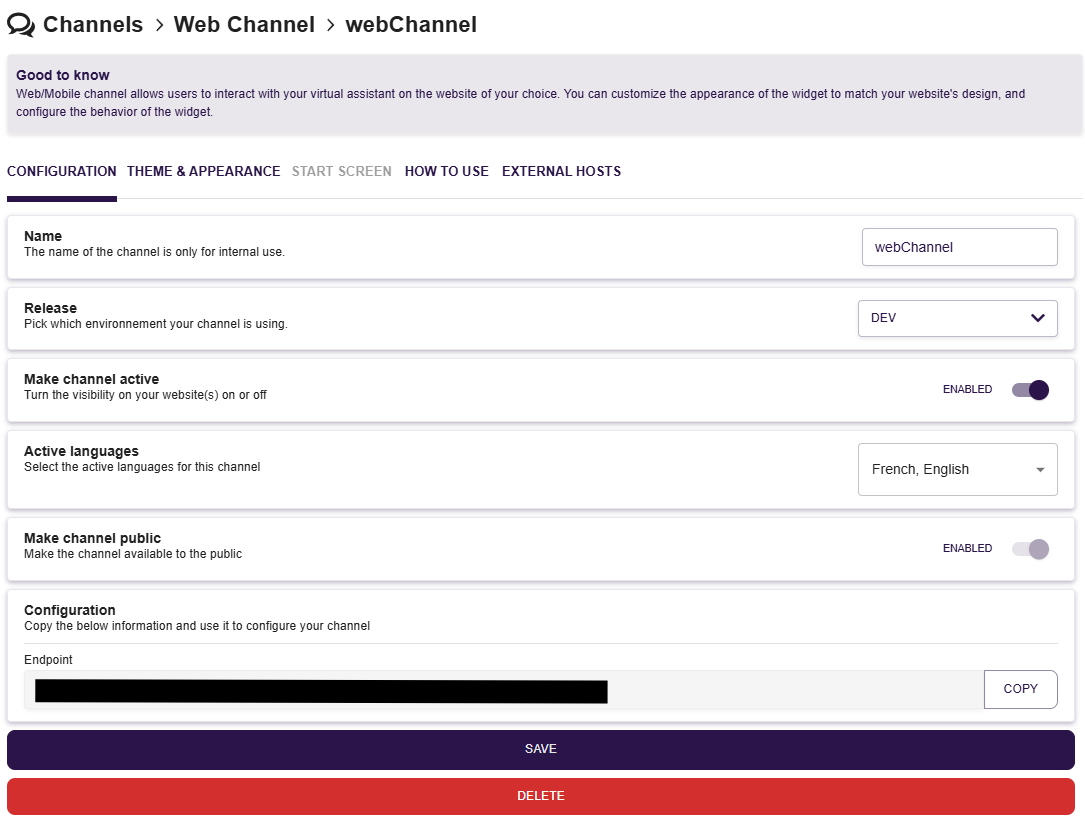
On this part, you can configure the settings of your webchannel such as :
- Name of your channel : for internal use only
- Activation of your channel : enable this settings to make your channel active
- Active languages which can be select by your end-users
This configuration will also display the URL of your webchannel.
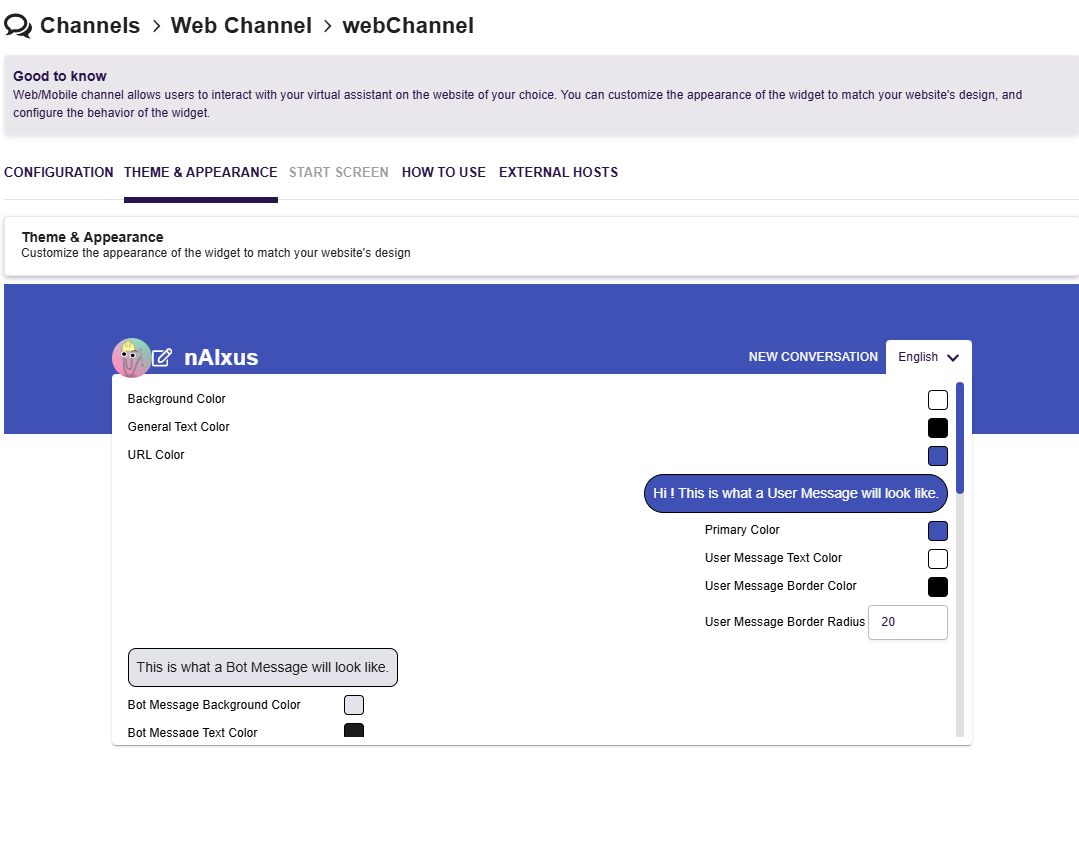
Theme & Appearance
Customize the appearance of the widget to match your website's design
How to use
Follow the tutorial available directly on nAIxus platform.
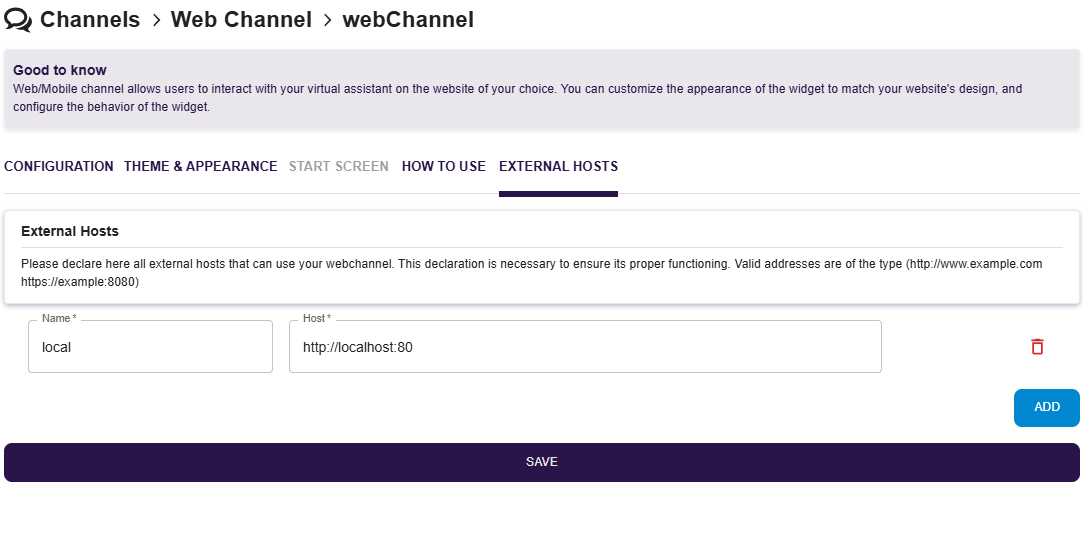
External Hosts
Please declare here all external hosts that can use your webchannel. This declaration is necessary to ensure its proper functioning. Valid addresses are of the type (http://www.example.com https://example:8080)