Step 2B - Create a Knowledge Base
A main feature of nAIxus is the ability to create knowledge base of documents, which can then be triggered in conversation. The algorithm of nAIxus will find the different pieces of documents capable of answering the question of the user, and the Generative AI will be used to generate an answer based on these ressources.
Create > Converse > FAQ & DocumentsCreate a connector
Connectors are useful to fetch documents from different sources.
When creating a connector, you must specify the name and the type.
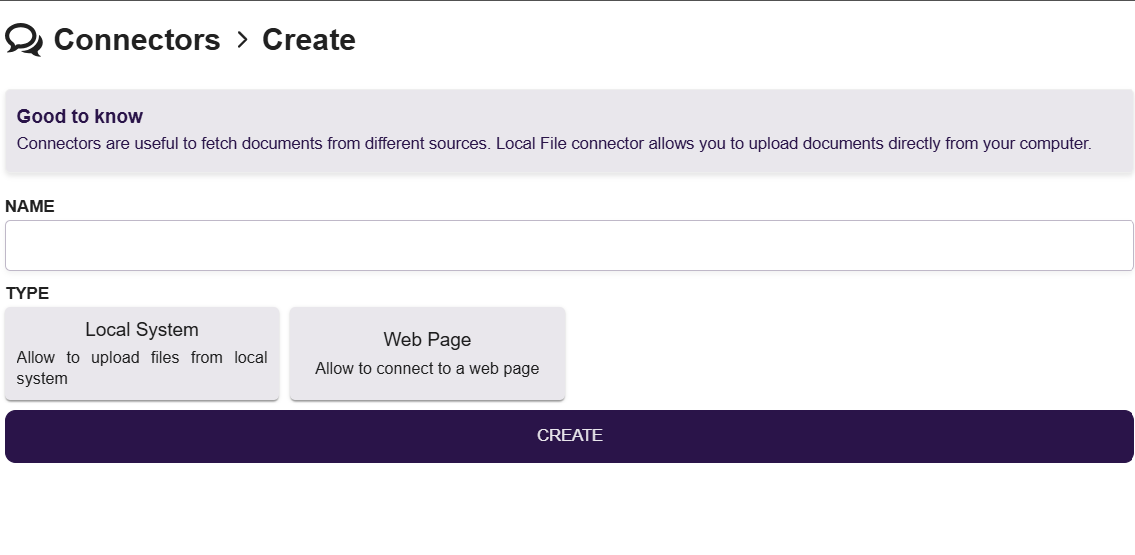
Local System
Local System connector allows you to upload documents directly from your computer through the FILES tab.

Once you have uploaded all the wanted file, you can proceed with the synchronization.
Web Page
Web Page connector allows to connect to a public webpage, accessible through internet through the SETTINGS tab.
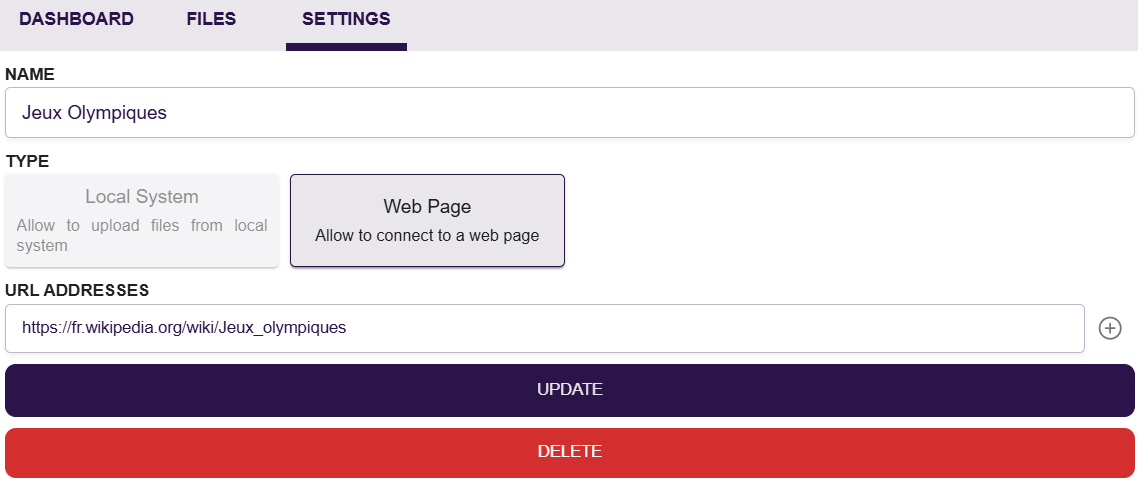
Once you have set all the wanted URLs, you can proceed with the synchronization.
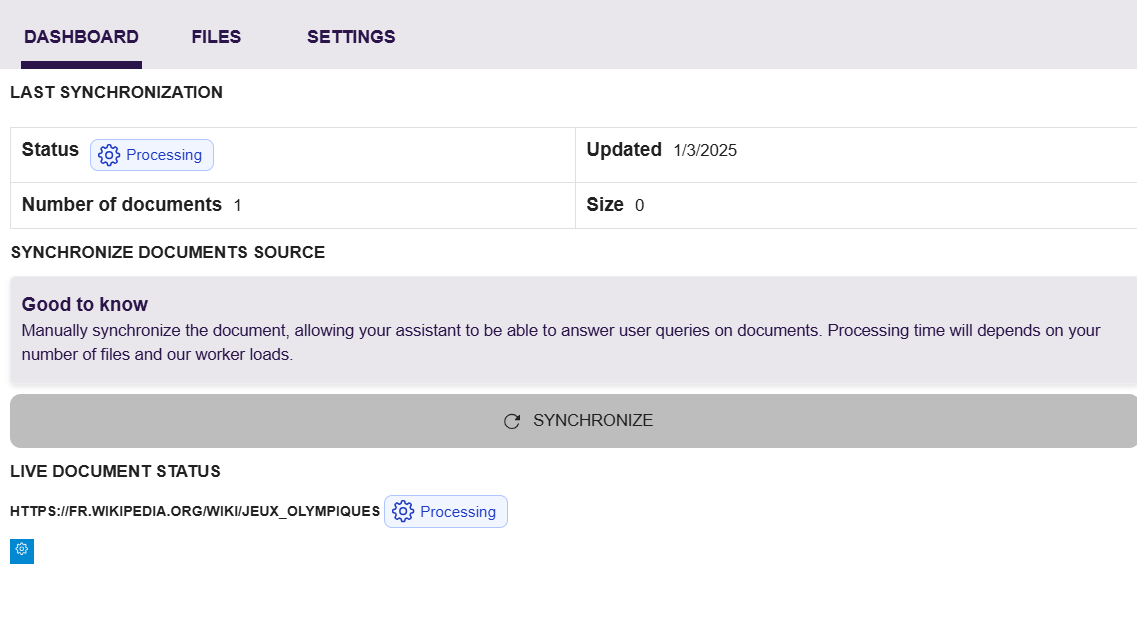
Synchronize the connector
On the DASHBOARD tab, you can manually synchronize the document, allowing your assistant to be able to answer user queries on documents. Processing time will depends on your number of files and the infrastructure.
Create a knowledge base
A Knowledge Base is a collection of documents that can be used to answer user queries. You can link several connectors to one Knowledge Base.
For now, only the first knowledge base will be used as fallback in conversation. Soon you will be able to add RAG block in scenarios and link them to a specific knowledge base