🚀 1.2.1
· 2 min read


warning
We are disabling for now the publish features until we can investigate on some mean bugs and rework User Experience. This also means that until we enable this feature, any changes made will have DIRECT impact on your channels.
Note : Statistics have been updated to match dev environment trafic and testing.
🚀 Features
✨ New Editor
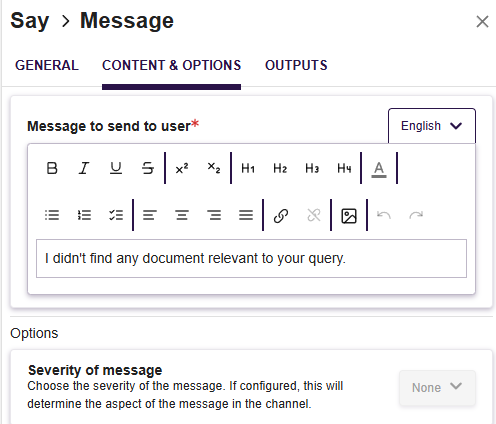
We reviewed our editor, which to be honest was horrible for us to manage. Easier management, more features, what’s not to ask for ? We added great functionnalities along the way, just because 😎
- Quick action menu on text selection
- Quick action menu on new empty line
- Adding a cursor when drag and dropping element from within the editor
- Adding image from a URL
- History management : undo and redo for ever !
- Lists : ordered, unordered, task

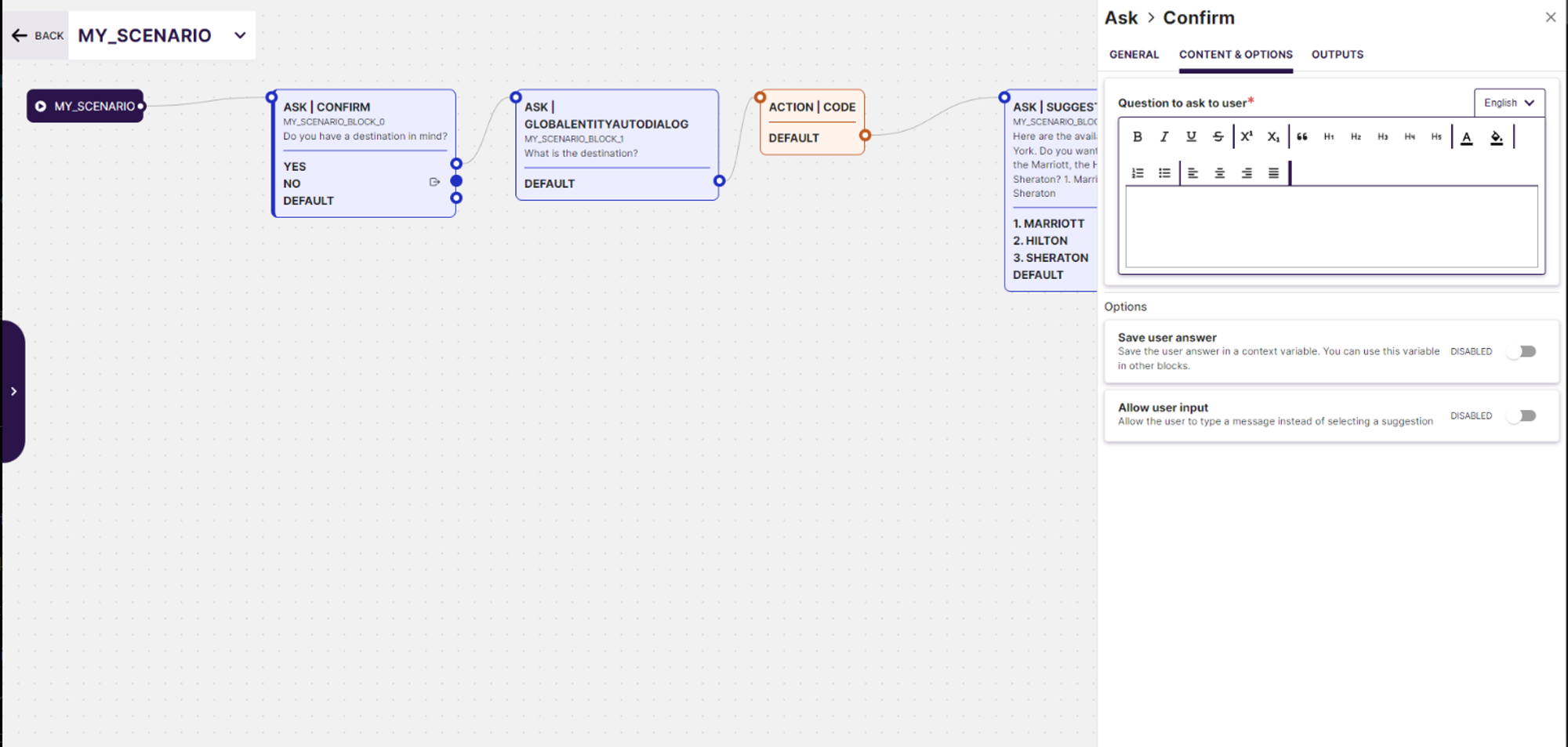 Generative AI Preview: Leverage cutting-edge Generative AI technology to automatically generate dialogue previews based on specified use cases. This tool helps visualize and optimize the conversation flow before finalizing the scenario, ensuring a more effective user interaction.
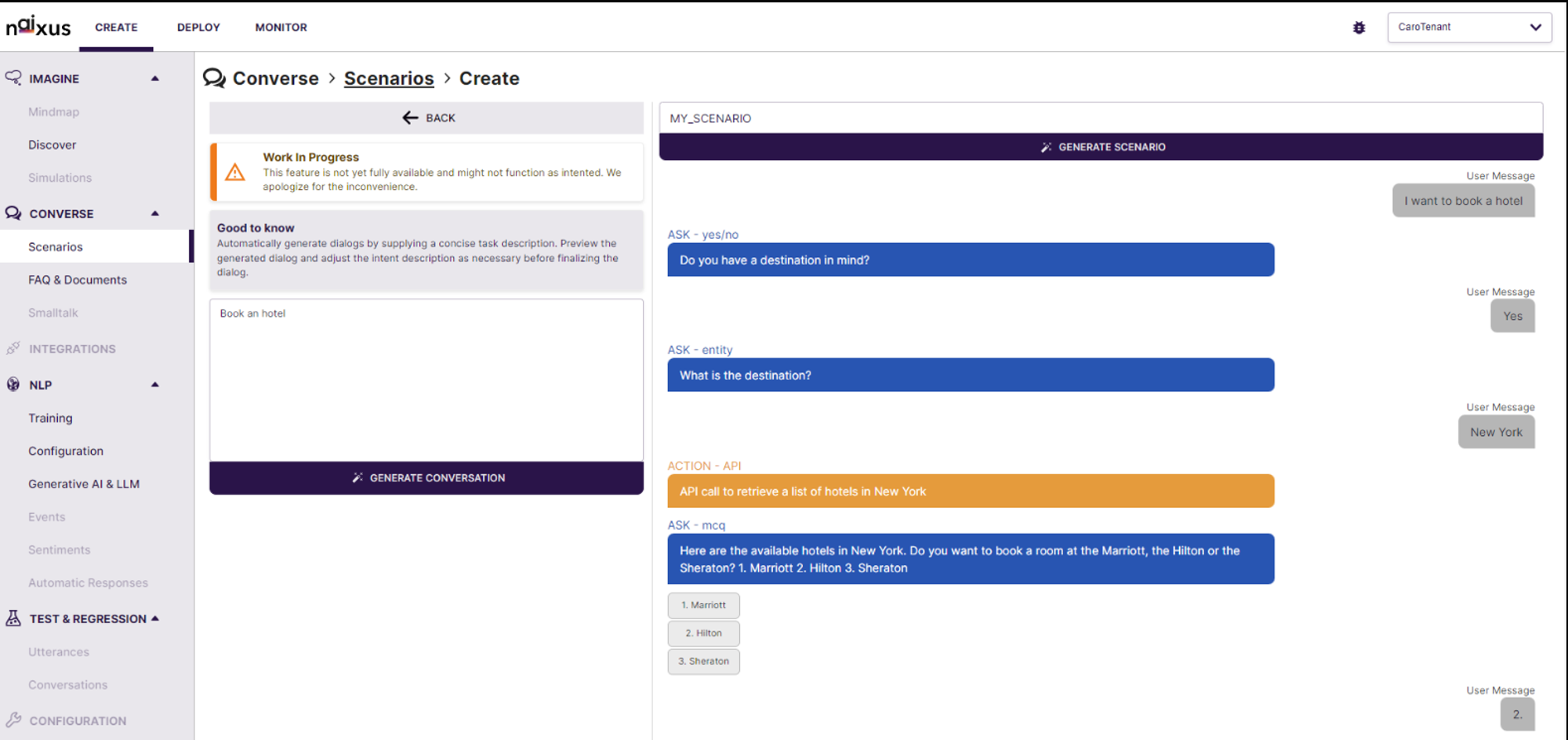 Real-time Editing and Simulation: The interface provides real-time editing capabilities along with a simulation environment that shows how the AI will interact in various conversation scenarios. Users can immediately test and tweak the generated dialogues, enhancing the development process and ensuring higher accuracy and relevance in real-world applications.